
Importing Existing Digital Logbooks via CSV
September 10, 2026One of the easiest ways to get your flight experience into MiniEFB is to import it via CSV file.
MiniEFB currently supports three CSV formats:
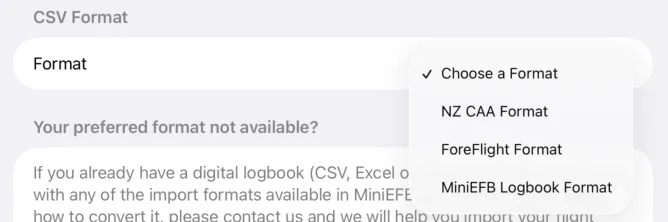
If you don't have digital records of your flying experience, or do not have them in one of the above formats, don't worry. We are working to add more formats. In the meantime, feel free to contact us if you need help importing your data, or if you would like advice or help digitising your paper logbook.
The Import Process
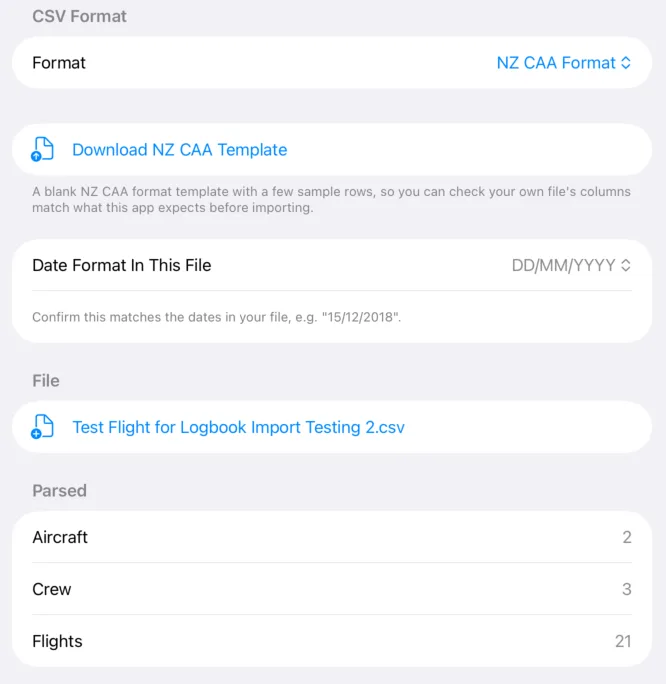
The first step is to choose which format you would like to use. If you choose the New Zealand CAA format or the MiniEFB format, you can download a CSV template directly from the app. Then you simply populate the template with your data. If you have your flight experience in Foreflight, you can easily export it from there and import it into MiniEFB.
For this example I will use the New Zealand CAA format. When a CSV for import has been selected, it will provide a quick summary of what the app has found inside:
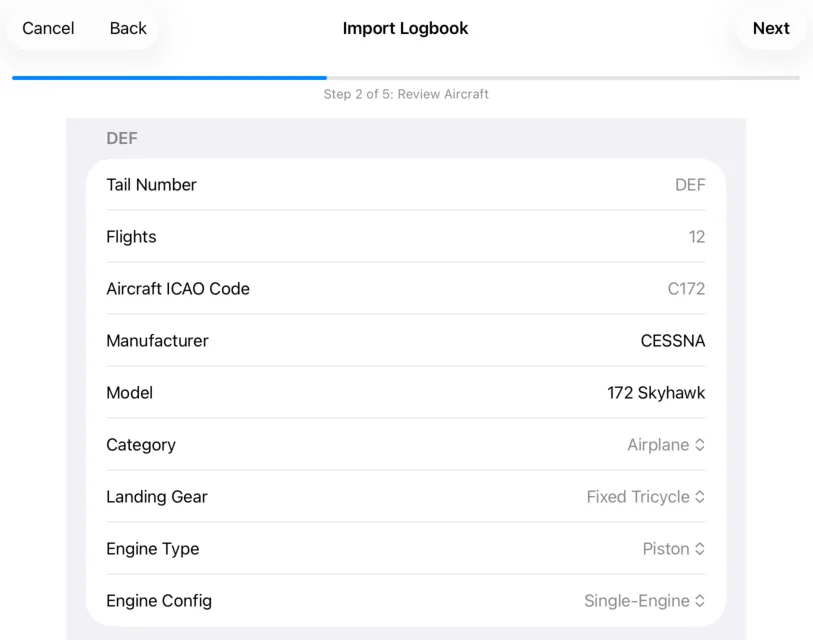
The first import step is to verify the aircraft that need to be created. If aircraft already exists, the app will tell you:
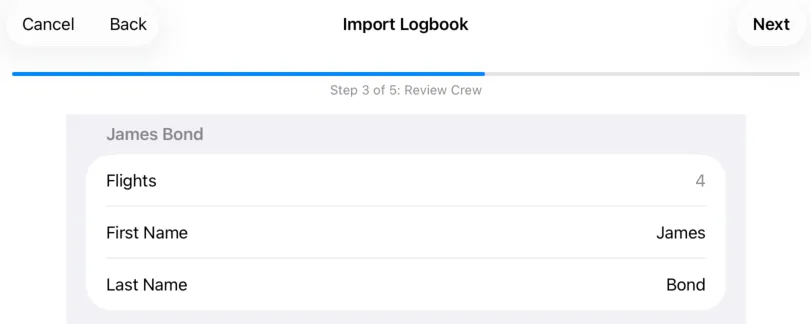
The next step is to verify any crew to be imported:
Finally, verify flights to be imported. You don't have to verify all of them, but it is a good idea to check a few to make sure the data is correct:
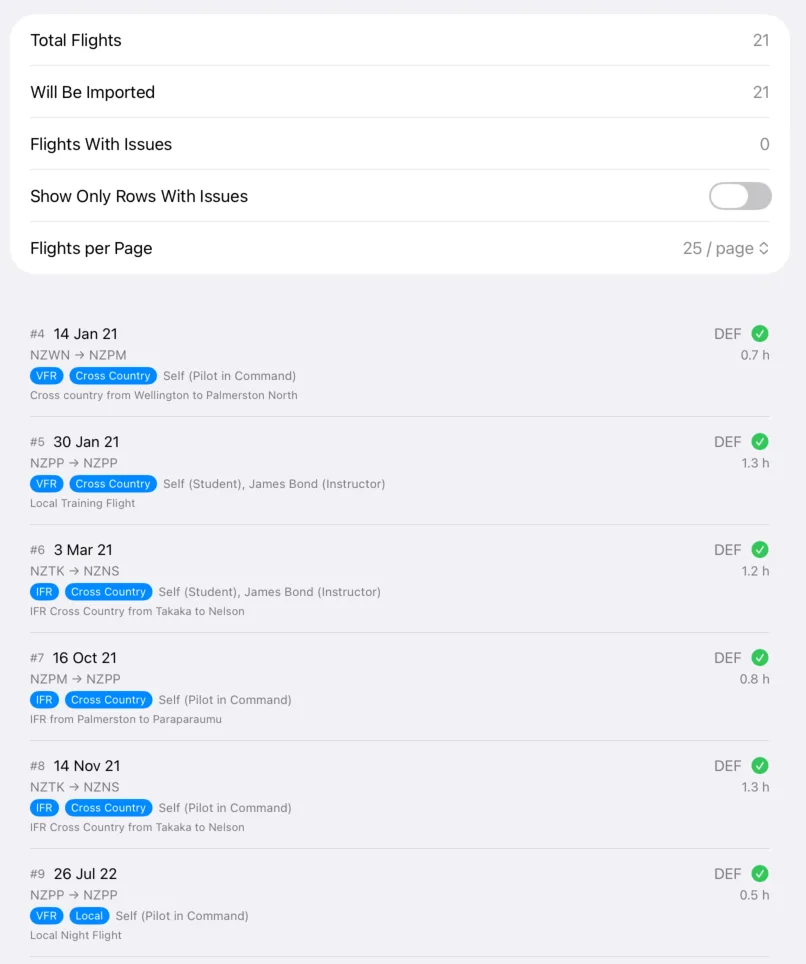
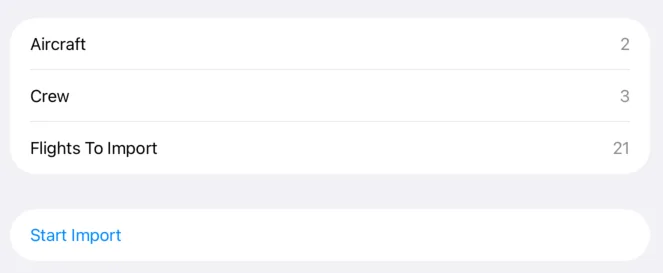
Finally, make sure you are happy with the summary and click on "Start Import":
When complete, a second summary will show confirming what was imported:
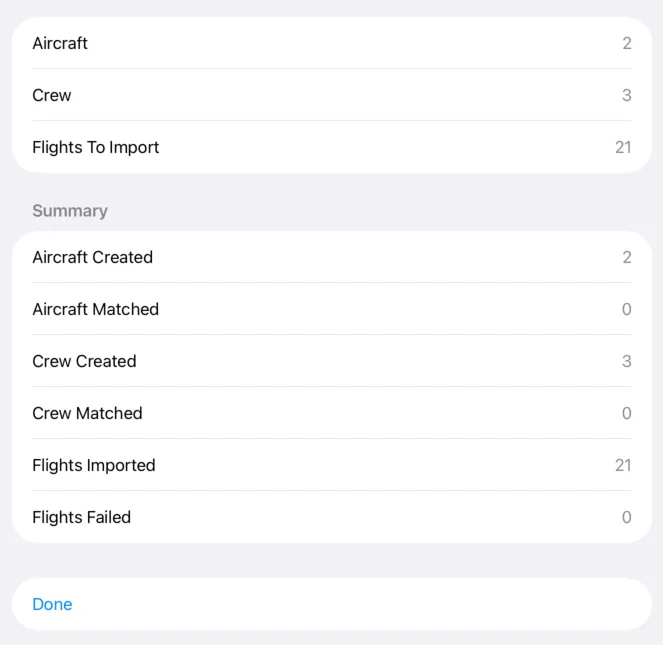
Click "Done" and your flights, aircraft and crew will show.